
Blog
Tech Guide: Connecting OEM Diagnostic Software & Flashing ECUs using the NEXIQ USB-Link 3 Wired Edition
Precision diagnostic guidelines for commercial fleet and heavy diesel service technicians.
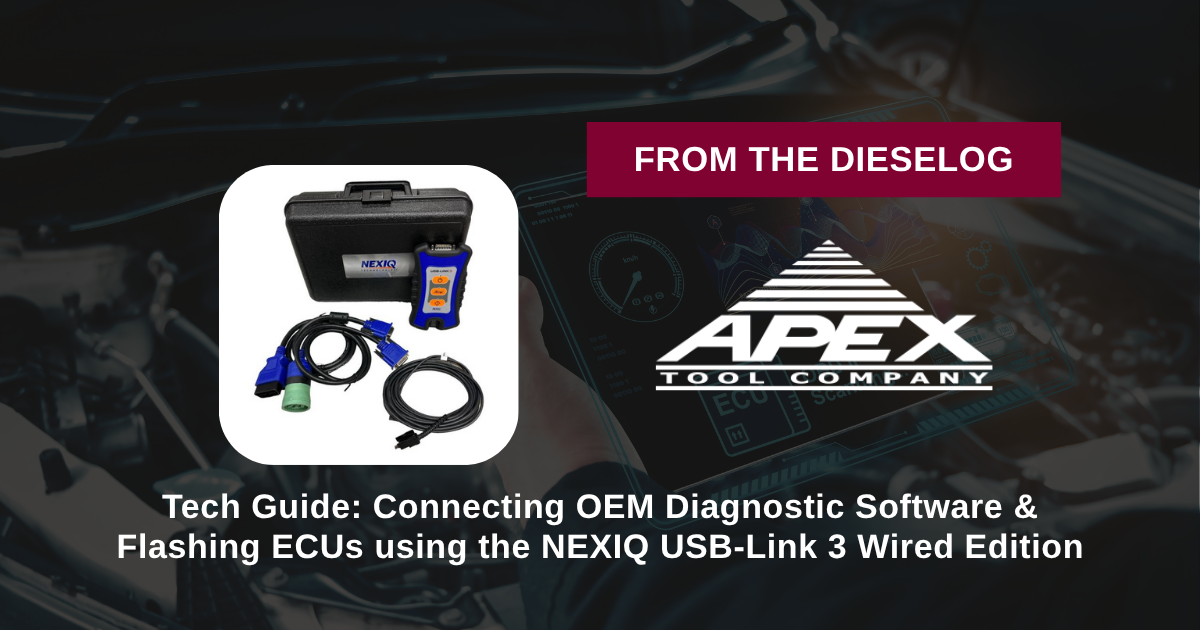
Connecting OEM software like Cummins INSITE, Detroit DDDL, CAT ET, or Volvo PTT to perform diagnostics, forced DPF regenerations, or ECU software updates on commercial vehicles? Follow this step-by-step professional workshop procedure to set up the NEXIQ 121054 USB-Link 3 Wired Edition interface, configure RP1210 drivers, establish stable bus connectivity, and execute programming procedures without signal loss.

Why Wireless Diagnostic Signal Drops Cause Catastrophic ECU Failures
Servicing modern commercial diesel engines requires direct communication between PC-based diagnostic software and onboard electronic control modules (ECUs). During routine diagnostic fault reading or live sensor graphing, a minor signal drop might only cause screen lag. However, during critical operations—such as rewriting calibration files, updating ECM firmware, or reconfiguring injector trim codes—a continuous, uninterrupted data stream is mandatory. Wireless diagnostic interfaces utilizing Bluetooth or Wi-Fi are vulnerable to electromagnetic interference (EMI) from shop machinery, fluorescent lighting, wireless routers, and nearby cell phones. If a wireless signal drops for a fraction of a second while write commands are being sent to an engine or transmission control unit, the calibration block becomes corrupted. The ECU locks up, refusing to communicate or boot, leaving the vehicle dead in the service stall. Replacing a bricked module or sending it out for bench recovery adds thousands of dollars in unexpected costs and extends vehicle downtime. Utilizing the hardwired 5-pound NEXIQ 121054 USB-Link 3 Wired Edition VCI completely eliminates communication risk. Connecting the vehicle diagnostic port directly to your toughbook or tablet using the included latching 15-foot USB cable guarantees a rock-solid, zero-latency physical communication link, allowing technicians to flash controllers and perform complex calibrations with total security.
The 5-Step NEXIQ USB-Link 3 Setup & Diagnostic Protocol
- Install Device Drivers & RP1210 Utilities: Prior to connecting to a vehicle, download and install the latest NEXIQ USB-Link 3 device drivers and Device Tester utility from NEXIQ’s official portal onto your Windows 10/11 toughbook or tablet.
- Connect Diagnostic Cable to Vehicle Port: Select the appropriate adapter cable—the 9-pin Deutsch cable (493128) for standard heavy-duty J1939/CAN ports or the 16-pin OBDII cable (493113) for medium-duty/light-duty applications. Connect the cable securely to the vehicle diagnostic connector and latch it to the USB-Link 3 VCI body.
- Establish Hardwired USB Connection to PC: Connect the 15-foot heavy-duty USB cable between the USB-Link 3 VCI and an available USB 2.0/3.0 port on your computer. *Verify power and host connection status LEDs illuminate on the VCI faceplate.*
- Run Device Tester & Verify Bus Auto-Baud Detection: Launch the NEXIQ Device Tester software. Select "USB-Link 3 Wired" as the device, choose the target protocol (e.g., CAN FD, J1939, or DoIP), and perform a test connection with the vehicle ignition turned key-on engine-off (KOEO). Confirm valid bus communication and voltage readouts.
- Launch OEM Software & Execute Diagnostics or Flashing: Open your target OEM diagnostic suite (INSITE, DDDL, CAT ET, PTT, etc.), select the NEXIQ USB-Link 3 RP1210 driver in software connection settings, and connect. Execute diagnostics, parameters adjustments, or ECU flashing with complete wired signal integrity.
PRO-TECH BATTERY VOLTAGE & LATCHING USB MANDATE:
ALWAYS MAINTAIN STABLE VEHICLE BATTERY VOLTAGE (12.5V+ / 24V+) using a clean power supply charger during ECU flashing! Low vehicle voltage aborts flashing sessions! ALWAYS use the included latching USB cable and keep it strain-relieved to prevent accidental cable disconnection during write cycles!
5 lbs Professional Heavy-Duty Diagnostic Interface Kit. Protect Fleet Diagnostic Workflows.
Get the NEXIQ USB-Link 3 Wired Kit Now
overall rating:
my rating:
log in to rate